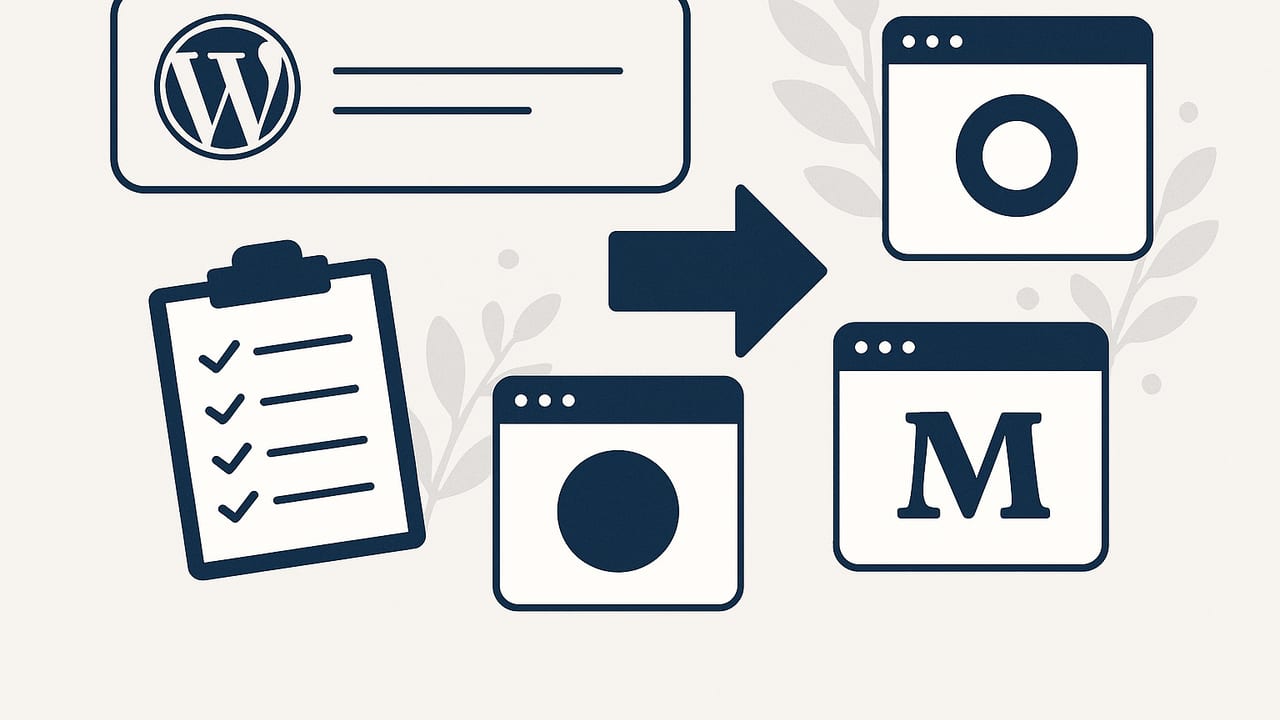
If you want a modern content setup without plugins, patches, or server upkeep, you might be searching for an alternative to WordPress for hosted blogging. The good news: there are excellent hosted platforms that deliver strong SEO, speed, and ease of use—without the maintenance overhead of a traditional CMS. This guide compares the top options, explains what to evaluate, and outlines a smooth migration path from WordPress.
Hosted blogging means the platform runs the servers, handles performance and security, and usually includes a visual editor, templates, and built-in SEO controls. You focus on content; the provider handles the rest.
Why look for a hosted alternative to WordPress?
- Less maintenance: No plugin conflicts, PHP updates, or security patching.
- Speed out of the box: Many hosted platforms ship with CDNs and optimized rendering.
- Simplified workflows: Built-in editors, media handling, and analytics reduce tool sprawl.
- Predictable costs: Clear monthly pricing instead of hosting + premium plugins + dev time.
- Focus: Teams can concentrate on content quality and distribution rather than technical chores.
How to evaluate a hosted blog platform
Use this framework to shortlist the right fit:
- SEO control: Custom titles, meta descriptions, canonical URLs, open graph tags, sitemap, robots.txt, structured data support.
- Site performance: Core Web Vitals, image optimization, caching/CDN coverage.
- Editing workflow: WYSIWYG vs markdown, versioning, scheduled publishing, content roles, collaboration.
- Customization: Themes, design flexibility, code injection, custom domains, redirects.
- Portability & ownership: Content export, URL control, backups, ability to migrate later.
- Localization: Multilingual support, hreflang, localized slugs, region-specific SEO.
- Distribution: Built-in newsletter, RSS, social integrations, paywalls, memberships.
- Automation & extensibility: APIs, webhooks, integrations, AI features, programmatic publishing.
- Cost & scaling: Plans, traffic limits, member fees, add-on costs (e.g., localization).
Top hosted WordPress alternatives: quick comparison
| Platform | Hosting | SEO Control | Customization | Multilingual | Newsletter | Pricing | Best For |
|---|---|---|---|---|---|---|---|
| Ghost (Pro) | Included | High | High | Medium | Built-in | $$ | Independent publishers |
| Medium | Included | Low | Low | Low | Basic | $ | Audience discovery |
| Substack | Included | Low | Low | Low | Strong | $ (fees) | Newsletter-first creators |
| Wix | Included | Medium | Medium | Yes | Basic | $$ | Small business sites |
| Squarespace | Included | Medium | Medium | Limited | Basic | $$ | Design-centric blogs |
| Webflow | Included | High | High | Add-on | Via integrations | $$$ | Designers & teams |
| Blogger | Included | Low–Med | Low | Basic | No | $ | Hobby blogs |
| Notion + Super/Feather | Included | Medium | Medium | Limited | Via integrations | $–$$ | Docs & simple blogs |
| Headless CMS + Static (Jamstack) | Managed | High | High | High | Via integrations | $$–$$$ | Dev-led teams |
| Hashnode | Included | Low–Med | Low–Med | Limited | Basic | $ | Developer blogs |
| AI-hosted blogging platforms | Included | Med–High | Medium | Varies | Sometimes | $$ | Automation-focused teams |
Platform notes: strengths, trade-offs, and when to choose
Ghost (Pro)
Why choose it: Fast, clean publishing with native newsletters, memberships, and solid SEO controls (meta, canonicals, AMP optional via themes). Markdown editor is loved by writers. Watch-outs: Multilingual requires theme work or collections; the ecosystem is smaller than WordPress.
Medium
Why choose it: Built-in network effects and simple writing experience. Watch-outs: Limited SEO customization, less control over URLs/design, and platform-first distribution; not ideal for brand sites.
Substack
Why choose it: Newsletter-first with easy paid subscriptions and simple blogs. Watch-outs: Minimal SEO controls, limited design, revenue share on paid plans.
Wix
Why choose it: All-in-one site builder with blog, ecom, and Wix Multilingual. Watch-outs: Template and performance vary; fine for SMBs, less ideal for advanced editorial control.
Squarespace
Why choose it: Polished templates and straightforward setup. Watch-outs: Multilingual sites require workarounds; customization beyond templates can be limiting.
Webflow
Why choose it: Designer-level control, strong SEO features, CMS collections, and optional localization add-on for multilingual. Watch-outs: Steeper learning curve, higher cost at scale.
Blogger
Why choose it: Free and ultra-simple. Watch-outs: Outdated tooling, limited SEO/design options; best for hobby projects.
Notion + Super/Feather
Why choose it: Edit in Notion; publish to a fast, hosted site with decent SEO controls. Watch-outs: Not a full CMS; multilingual and complex taxonomies are limited.
Headless CMS + Static (Jamstack)
Why choose it: Maximum speed and SEO control with providers like Contentful, Sanity, or Strapi Cloud plus Netlify/Cloudflare. Watch-outs: Requires developer involvement; great for custom, scalable content architecture.
Hashnode
Why choose it: Quick setup for developer-focused blogging with community discovery. Watch-outs: Less control over design and SEO than a dedicated CMS.
AI-hosted blogging platforms
Why choose it: Automate keyword research, writing, and publishing with hosted infrastructure. Watch-outs: Ensure you can review/edit content, set quality guardrails, and maintain SEO best practices.
SEO checklist for hosted blogging platforms
- Control your titles and metas: Each post should allow custom title tags and meta descriptions.
- Canonical URLs: Prevent duplicate content, especially if you syndicate to Medium/Substack.
- Structured data: Article schema and BreadcrumbList schema can improve rich results.
- XML sitemaps: Up-to-date sitemaps and automatic pinging of search engines are helpful.
- Robots & indexing: Page-level noindex/nofollow controls; global robots.txt access.
- Speed: Lazy-loaded images, modern formats (WebP/AVIF), and CDN caching.
- Clean URLs: Human-readable slugs, consistent trailing slash policy, and permanent redirects.
- Hreflang: If multilingual, verify correct hreflang pairs and localized canonical tags.
- Analytics & consent: GA4 or privacy-friendly analytics, plus consent management where required.
Sample meta + JSON-LD snippet
<head>
  <title>How to Choose a Hosted Blog Platform</title>
  <meta name="description" content="Compare hosted blogging alternatives to WordPress and pick the right platform for SEO, speed, and ease-of-use." />
  <link rel="canonical" href="https://example.com/choose-hosted-blog" />
  <script type="application/ld+json">{
    "@context": "https://schema.org",
    "@type": "Article",
    "headline": "How to Choose a Hosted Blog Platform",
    "author": {"@type": "Person", "name": "Your Name"},
    "datePublished": "2024-06-15",
    "mainEntityOfPage": {"@type": "WebPage", "@id": "https://example.com/choose-hosted-blog"}
  }</script>
</head>
Migration roadmap: WordPress to a hosted platform
- Inventory your content: Crawl current URLs, export posts/pages, collect categories/tags, and map media usage. Tools: Screaming Frog, WP export, site maps.
- Choose your platform: Match the evaluation framework above to your needs (SEO control, localization, automation, cost).
- Export content: Use WordPress’s WXR export or a specialized exporter. For images, download the uploads directory or use a migration tool.
- Normalize URLs: Keep the same slugs where possible. Decide on trailing slashes and lowercase policies to minimize redirects.
- Set up redirects: Add permanent (301) redirects from every old URL to its new destination.
- Rebuild internal links: Update navigation, in-article links, and image paths after import.
- QA and fix: Test a staging environment for broken links, missing images, and metadata parity (titles, metas, canonicals, schema).
- Launch and monitor: Submit new sitemaps in Search Console, watch crawl stats, fix redirect chains, and track rankings/traffic.
Redirect examples
Apache (.htaccess):
Redirect 301 /blog/old-post/ https://example.com/blog/old-post/
Redirect 301 /category/seo/ https://example.com/topics/seo/
Netlify (_redirects file):
/blog/old-post/   /blog/old-post/   301
/category/seo/*   /topics/seo/:splat 301
Decision scenarios: pick a platform in 30 seconds
- Single-author newsletter + blog: Substack or Ghost(Pro).
- Design-first marketing site with a blog: Squarespace or Webflow (for more control).
- Small business wanting simplicity + multilingual: Wix with Multilingual.
- Developer-led team needing full control and performance: Headless CMS + static hosting (Jamstack).
- Documentation-style blog with minimal overhead: Notion + Super/Feather.
- Automation and frequent publishing without managing a CMS: Consider an AI-hosted blogging platform.
Common pitfalls to avoid
- Choosing on templates alone: Ensure the platform supports canonical tags, structured data, and clean URL control.
- Ignoring redirects: Missing 301s can tank rankings. Map URLs before launch.
- Overlooking localization: If you’ll expand globally, verify hreflang, localized slugs, and translation workflows.
- Underestimating content workflow: Roles, approvals, scheduling, and versioning matter for growing teams.
- Forgetting portability: Confirm export options so you’re not locked in later.
The bottom line
If you want an alternative to WordPress for hosted blogging, start with your priorities: editorial workflow, SEO control, design needs, multilingual requirements, and automation. Platforms like Ghost(Pro), Webflow, and Wix/Squarespace cover most use cases, while Jamstack unlocks maximum performance for dev teams. Newsletter-focused creators may prefer Substack or Medium for distribution, while Notion-based setups are great for simple blogs and docs.
If your goal is hands-off publishing with built-in SEO workflows and the option to reach global audiences, hosted AI platforms are emerging as a strong option. One example is the24blog, which automates keyword research, multilingual content generation, and daily publishing on a fully hosted infrastructure—useful if you want to scale content without managing WordPress.