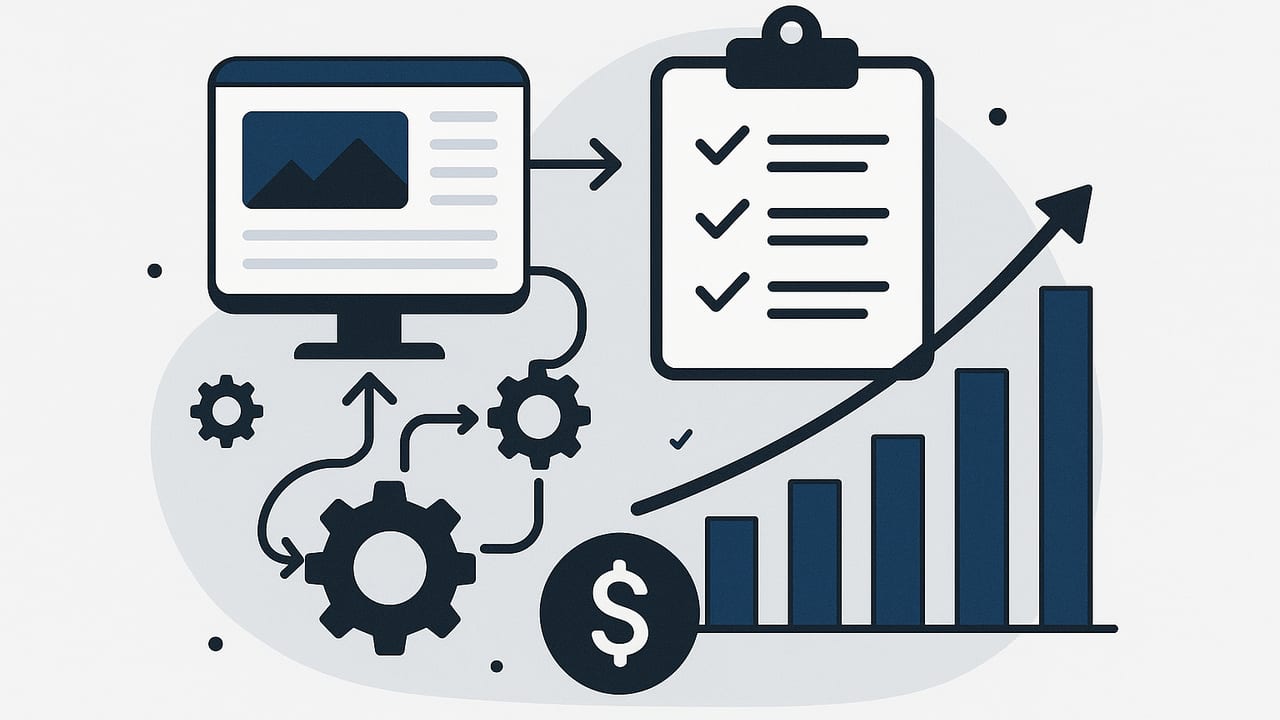
Publishing consistently doesn’t require a big team or an enterprise software bill. With a smart workflow and a few inexpensive tools, you can build a budget blog automation engine that finds keywords, drafts posts, optimizes for search, and publishes on schedule—without spending more than the price of a nice lunch each week.
This guide lays out the principles, tools, and practical steps to automate the parts of blogging that are repetitive, while keeping human judgment where it matters: topic selection, editorial quality, and brand voice. You’ll see stack options under $50, a step-by-step workflow, a small code example for the more technical, plus ROI math you can copy.
What Counts as Budget Blog Automation?
Budget blog automation means assembling a system for research, drafting, editing, and publishing that costs roughly $0–$100/month, runs with minimal maintenance, and scales output without sacrificing quality. The goal is not to remove humans, but to automate the “muscle memory” tasks: collecting keywords, generating briefs, first drafts, scheduling, and distribution.
Guiding rule: automate the repeatable, schedule the routine, and reserve human attention for differentiation.
Principle: “Automate the repeatable so humans can elevate the remarkable.”
The Three Pillars of a Budget Automation Stack
1) Ideation and Keyword Discovery
- Automate: collecting keyword ideas, clustering topics, tracking difficulty and intent.
- Tools: Google Search Console (free), Google Keyword Planner (free), AlsoAsked (freemium), AnswerThePublic (freemium), Keyword Surfer (free), Sheets formulas.
- Outcome: a prioritized list of topics mapped to search intent and funnel stage.
2) Production (Briefs, Drafts, Edits)
- Automate: content briefs from target keywords, outline generation, first drafts, image suggestions, internal link suggestions.
- Tools: An AI writing assistant, templates in Docs/Notion, Grammarly (free), Hemingway (free), royalty-free images (Unsplash, Pexels), simple prompt libraries.
- Outcome: draft posts that require light human editing rather than heavy rewriting.
3) Publishing and Distribution
- Automate: formatting to HTML, scheduled publishing, RSS distribution, social snippets, internal link updates.
- Tools: Your CMS scheduler, Zapier/Make (low-cost tiers), Buffer (free tier), site maps auto-update, Google Indexing API for rapid indexing (where appropriate).
- Outcome: posts go live predictably, with social amplification and basic tracking in place.
A Starter Stack Under $50/Month
| Function | Budget Tools | Monthly Cost | Notes |
|---|---|---|---|
| Keyword Research | Google Search Console, Keyword Planner, AlsoAsked (free/freemium) | $0–$15 | Start free; upgrade for more queries |
| Content Creation | AI assistant + Docs/Notion templates | $0–$20 | Light prompts + human edits |
| Automation | Zapier/Make (starter tier) | $0–19 | Connect forms, CMS, and social |
| Publishing | Built-in CMS scheduler | $0 | Most platforms included |
| Distribution | Buffer (free), RSS-to-social | $0 | Schedule 1–3 channels |
| Analytics | Google Analytics, Search Console | $0 | Set goals and dashboards |
Variants by Skill Level
- No-code: Google Sheets for keyword tracking, an AI assistant for briefs/drafts, CMS scheduler, Buffer for social. Optional Zapier to move drafts from Docs to CMS.
- Low-code: Sheets + Make.com to generate briefs and create CMS draft posts via API. Use a simple prompt library to keep tone consistent.
- Dev-friendly: Static site (Hugo/Eleventy), GitHub Actions for scheduled builds, Python script that converts Markdown to HTML, posts via API, and pings Indexing API.
A 5-Step Workflow You Can Run Weekly
- Collect and prioritize topics (60 minutes): Pull Search Console queries, filter by clicks/impressions, identify pages with rising impressions but low CTR. Use Keyword Planner or AlsoAsked to expand and cluster related terms. Assign intent (info, comparison, transactional).
- Create content briefs (30 minutes): For each target, generate a brief with H2/H3 outline, FAQs, internal link targets, and a clear primary CTA. Automate the first draft of the brief with AI; human approves.
- Draft with AI, edit with humans (90 minutes): Feed the brief to your AI tool with brand voice prompts. Editors smooth tone, add examples, check facts, and insert internal links. Aim for 1–2 posts per session.
- Optimize & format (30 minutes): Add meta title/description, structured headings, compressed images with descriptive alt text, and a short intro with the primary keyword in the first 100 words. Validate with an on-page checklist.
- Publish & distribute (15 minutes): Schedule in CMS, generate an RSS-triggered social caption, and add to your internal link backlog. Submit URL in Search Console if it’s a new path.
Automation Blueprints
- Brief Generator: When a new keyword row is added in Google Sheets, Make.com sends a prompt to your AI tool, writes the brief back to the row, and emails the editor.
- Draft to CMS: Editor marks a brief “Approved”; Zapier converts the outline + body to HTML and creates a draft post via your CMS API with meta fields and slug.
- Publish to Social: RSS new post triggers Buffer to schedule posts on LinkedIn and X with a templated caption and UTM parameters.
- Internal Link Reminders: New post URL added to a “Link Opportunities” Sheet. Weekly automation finds older related posts and creates a task list to update links.
Example: Ultra-Light Publishing Script (Google Apps Script + Blogger)
For a zero-cost demo stack, you can publish a Google Doc to a Blogger site (free) using Apps Script. Replace placeholders with your values.
// Apps Script: Publish a Doc to Blogger
function publishToBlogger() {
  const BLOG_ID = 'your-blog-id';
  const DOC_ID = 'your-google-doc-id';
  const title = 'Post Title';
  const labelArray = ['seo', 'automation'];

  const doc = DocumentApp.openById(DOC_ID);
  const html = HtmlService.createHtmlOutput(doc.getBody().getText()).getContent();

  const post = {
    kind: 'blogger#post',
    title: title,
    content: html,
    labels: labelArray
  };

  const options = {
    method: 'post',
    contentType: 'application/json',
    payload: JSON.stringify(post)
  };

  const url = 'https://www.googleapis.com/blogger/v3/blogs/' + BLOG_ID + '/posts/';
  const response = UrlFetchApp.fetch(url, options);
  Logger.log(response.getContentText());
}
Note: For most CMS platforms you’ll use their REST API with an API key or OAuth. The pattern is the same: convert your draft to HTML, set metadata, send POST to create a scheduled draft.
SEO Essentials That Still Need Humans
- Search intent alignment: Ensure the outline and examples answer the exact question the searcher has. Automation can propose headings, but humans confirm intent.
- E-E-A-T signals: Add author bylines, experience-based tips, and citations. Include unique insights, screenshots, or data whenever possible.
- Internal linking strategy: Choose links that reinforce topic clusters and pass relevance, not just volume.
- Fact-checking and nuance: Especially for YMYL topics, verify statistics and claims.
Measure ROI With Simple Math
Use conservative estimates and track monthly. Here’s a quick framework:
| KPI | Formula | Target (Starter) |
|---|---|---|
| Cost per Post | (Tool cost + labor hours × rate) / posts | < $60 |
| Organic Visits/Post (90 days) | Total organic sessions / new posts | ≥ 150 |
| Lead Rate | Leads / organic sessions | 1–3% |
| Break-even Posts | Monthly cost / (Value per lead × lead rate) | ≤ 5 |
Example: If your stack costs $39/month, a lead is worth $100, and you convert 1% of 150 visits/post to leads (~1.5 leads/post), you return ~$150/post. Two posts/month cover costs with margin.
Common Pitfalls (and Fixes)
- Over-automation: Robotic tone and generic advice. Fix: Add expert commentary and real examples; keep a brand voice guide.
- Keyword stuffing: Weak on-page experience. Fix: Optimize for intent and readability; use synonyms and related entities.
- Thin briefs: Leads to meandering drafts. Fix: Standardize briefs with headings, questions, target readers, and CTA.
- No internal links: Orphaned pages struggle to rank. Fix: Weekly internal link maintenance with a simple task list.
- Ignoring analytics: You can’t improve what you don’t measure. Fix: Build a one-page dashboard from Search Console and Analytics.
Templates You Can Copy
Content Brief Template (Paste into your doc)
Title: {Working Title with Primary Keyword}
Search Intent: {Informational/Comparative/Transactional}
Primary Keyword: {Head term}
Secondary Keywords/Entities: {List}
Target Reader: {Who is this for?}
Outline:
- H2: {Key section}
  - H3: {Subtopic}
FAQs to Answer:
- {Question 1}
- {Question 2}
Internal Links:
- {URL} > {Anchor text}
External Sources:
- {Source name} > {URL}
CTA: {What should the reader do next?}
Editorial Calendar Columns
| Date | Keyword | Intent | Title | Slug | Status | Owner | Notes |
|---|---|---|---|---|---|---|---|
| 2025-01-15 | budget blog automation | Informational | Budget Blog Automation: Affordable Workflows, Tools, and ROI | budget-blog-automation | Draft | Editor | Include ROI table |
30-Day Ramp Plan
- Week 1: Set up Sheets for keywords, create your brief template, connect Zapier/Make to your CMS, and define your brand voice prompts.
- Week 2: Build a keyword backlog of 25 topics, generate 10 briefs automatically, and finalize 4 briefs for this month.
- Week 3: Draft and edit 2 posts. Implement internal linking tasks and hook up RSS-to-social.
- Week 4: Draft and edit 2 more posts. Create your one-page dashboard for KPIs. Review wins and bottlenecks, then iterate.
Putting It All Together
Budget blog automation is about leverage: using low-cost tools and simple workflows to remove bottlenecks without removing editorial quality. Start by automating briefs and scheduling, then add distribution and internal link maintenance. Track cost per post, visits per post, and lead rate, and you’ll see which steps to tune.
If you eventually want a fully hosted, multilingual, hands-free system that handles research, drafting, and daily publishing out of the box, platforms like the24blog provide that path—but the framework above will get you shipping quality content on a budget today.