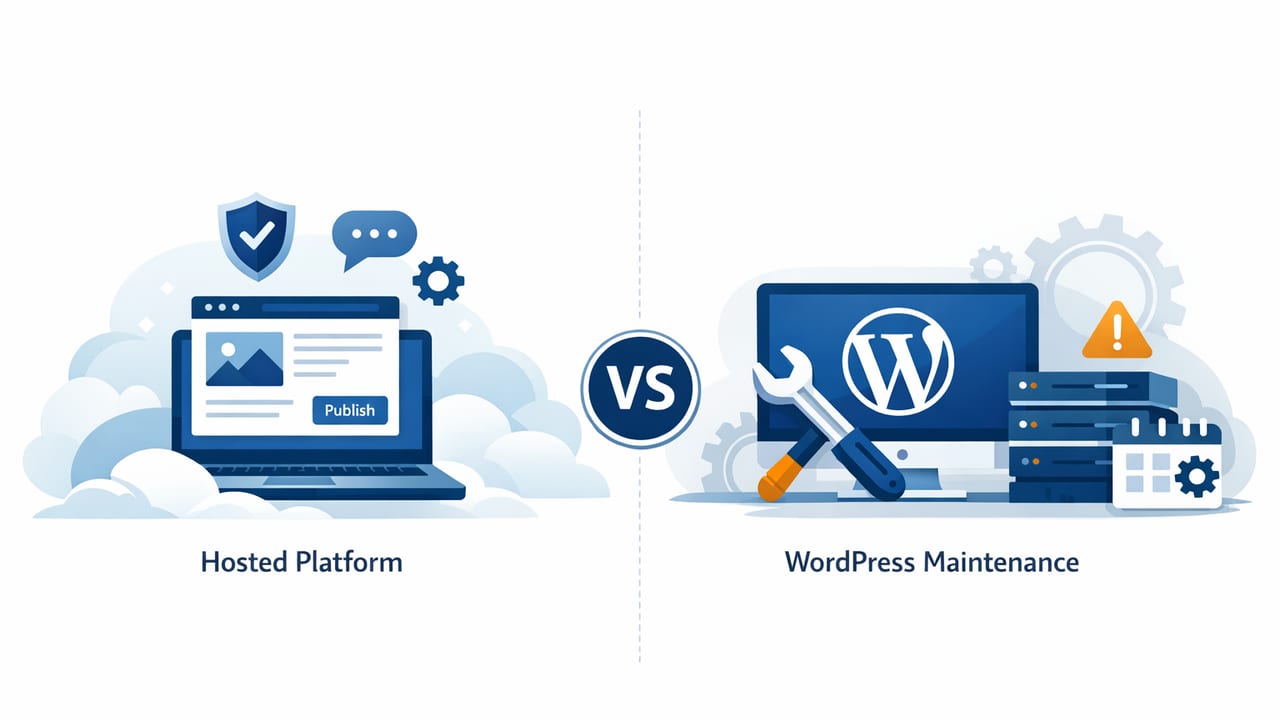
If you’re trying to compare hosted blogging vs WordPress maintenance, the most important step is to separate publishing from platform operations. Blogging success is usually driven by consistent output, topical authority, and technical SEO hygiene. But the “hidden tax” is the time and risk involved in keeping your site healthy—updates, backups, performance tuning, security hardening, and troubleshooting.
This guide breaks down the trade-offs in practical terms: total cost of ownership (TCO), operational risk, SEO control, speed, scalability, and what “maintenance” actually looks like for WordPress in real life.
What “hosted blogging” means (and what it doesn’t)
In this context, hosted blogging refers to a platform where the provider manages the infrastructure and the application layer for you. That typically includes hosting, uptime monitoring, security patches, performance optimization, and often publishing workflows. You log in and publish; the platform handles the rest.
Hosted doesn’t automatically mean “better SEO” or “no work.” You still need:
- Content strategy (topics, internal links, intent mapping)
- Editorial standards (accuracy, sourcing, brand voice)
- Measurement (rank tracking, conversions, analytics)
What changes is who owns the operational burden and how many moving parts you personally have to manage.
What WordPress maintenance actually includes
WordPress powers a large portion of the web because it’s flexible. That flexibility also creates a larger maintenance surface area. Even if your hosting is “managed,” you (or someone on your team) often still owns decisions and remediation when things break.
Core maintenance tasks
- Updates: WordPress core, themes, plugins (compatibility testing included)
- Security: malware scanning, firewall/WAF configuration, brute-force protection, user permissions
- Backups: scheduled backups, offsite storage, restore testing
- Performance: caching, image optimization, database cleanup, Core Web Vitals tuning
- Uptime monitoring: alerting + incident response
- SEO hygiene: redirects, sitemap integrity, canonicalization, schema validation
Maintenance that surprises people
- Plugin conflicts after a routine update
- PHP version changes that break older plugins
- Database bloat from revisions, logs, and plugin tables
- Site speed regressions after adding a “small” feature
- Security incidents that require cleanup, password resets, and search console remediation
Compare hosted blogging vs WordPress maintenance: a decision matrix
Use the table below as a practical way to compare trade-offs. “Hosted blogging” varies by provider, and “WordPress” varies by your stack (shared hosting vs VPS vs managed WP), but the patterns are consistent.
| Category | Hosted Blogging Platform | WordPress (Self/Managed) |
|---|---|---|
| Setup time | Typically hours; templates and defaults are ready | Hours to days; theme, plugins, analytics, SEO tools, DNS, email |
| Maintenance workload | Low; provider handles updates, infrastructure, security | Medium to high; updates, backups, security, performance tuning |
| Customization | Moderate; within platform limits | High; themes/plugins/custom code |
| Risk of downtime | Usually lower; fewer moving parts for you to maintain | Varies; plugin/theme conflicts and server issues can cause outages |
| Security surface area | Often smaller from the user’s perspective | Larger; plugins and admin access are common attack vectors |
| SEO control | Good if platform supports technical essentials (speed, schema, redirects) | Excellent; you can tune nearly everything with the right setup |
| Total cost of ownership | Predictable subscription pricing | Can be lower or higher; hosting + premium plugins + dev time + fixes |
| Scaling content output | Often easier; built-in workflows and automation | Possible but requires workflow tooling, roles, and QA processes |
The real cost: time, risk, and opportunity
When people price WordPress, they often compare “$X hosting” to “$Y hosted platform.” That misses the real costs:
- Maintenance time: even 2–4 hours/month adds up, especially for small teams.
- Incident costs: one hacked site or broken update can erase months of savings.
- Opportunity cost: every hour on operations is an hour not spent on content, distribution, and conversion.
A useful way to think about TCO is:
TCO = platform fees + maintenance labor + incident risk + delayed output
Hosted blogging often wins on predictability. WordPress often wins on maximum flexibility—if you have the capacity to manage it well.
SEO implications: control vs consistency
From an SEO perspective, both approaches can rank. The difference is how reliably you can maintain technical fundamentals over time.
Where WordPress shines
- Advanced technical SEO control (custom schema, routing rules, highly tailored templates)
- Integration ecosystem (CRMs, membership tools, e-commerce, custom tracking)
- Content model flexibility (custom post types, taxonomies, editorial workflows)
Where hosted platforms often shine
- Performance by default (CDN, caching, image optimization baked in)
- Lower plugin bloat (fewer third-party dependencies reduces regressions)
- Operational consistency (less “someone forgot to update the plugin” risk)
Non-negotiable SEO checklist (either choice)
- Fast pages that pass Core Web Vitals for your primary templates
- Clean indexation: correct canonicals, no accidental noindex, valid sitemaps
- Redirect governance for URL changes (especially during migrations)
- Structured data where it improves eligibility (Article, Breadcrumb, Organization)
- Internal linking strategy tied to topic clusters
WordPress maintenance checklist (monthly baseline)
If you choose WordPress, plan for a repeatable maintenance routine. Here’s a practical baseline that many teams adopt.
Monthly
- Update core, themes, and plugins (test critical pages after)
- Review security logs; remove unused plugins/themes
- Run a backup restore test (at least quarterly if monthly feels heavy)
- Check Search Console for coverage issues, manual actions, and crawl errors
- Spot-check site speed on key templates (homepage, blog post, category pages)
Quarterly
- Audit plugins: replace overlapping tools, remove abandoned plugins
- Review user accounts and permissions
- Review redirect chains and 404 patterns
Example: safer WordPress updates with WP-CLI (and why it matters)
One common failure mode is updating plugins on production and discovering a conflict afterward. A safer approach is: backup → update → verify → rollback if needed. Below is a simplified WP-CLI flow you might run on a staging environment.
# 1) Check what will be updated
wp plugin list --update=available
wp theme list --update=available

# 2) Update plugins and themes
wp plugin update --all
wp theme update --all

# 3) Update WordPress core
wp core update

# 4) Basic smoke checks (example: clear caches depends on your stack)
wp cache flush
Note: This snippet doesn’t replace real QA. For businesses where SEO and revenue depend on uptime, you’ll want staging, visual regression checks, uptime monitoring, and a rollback plan.
Which option fits which team?
Instead of asking “Which is better?” ask “Which failure mode can we tolerate?”
Hosted blogging is often a better fit when:
- You want minimal operations and more focus on publishing
- Your team is small and doesn’t have dedicated web ops
- You need predictable costs and fewer surprise incidents
- Your content workflow benefits from built-in automation
WordPress is often a better fit when:
- You need deep customization (unique layouts, custom data models, complex integrations)
- You already have reliable maintenance resources (in-house or agency)
- You require specific plugins or features that hosted platforms don’t support
- You want maximum portability and control over the codebase
Migration considerations (if you might switch later)
Many teams start on one approach and move later. Reduce future migration pain by planning now:
- Own your domain and keep DNS access in your control.
- Standardize URL structure early; changing it later requires redirects and can cause ranking volatility.
- Keep content in clean HTML (avoid heavy shortcodes that lock you into a theme builder).
- Export regularly (posts, media, metadata) so you’re not dependent on one system.
A simple scoring model to decide
If you’re still unsure, score each statement from 1 (not true) to 5 (very true):
- We can reliably allocate time each month to maintenance and QA.
- We need custom functionality beyond standard blogging features.
- Downtime or security incidents would be costly for us.
- We want to publish frequently and scale output without extra ops work.
- We have (or can hire) WordPress expertise for ongoing support.
High scores on (1), (2), and (5) lean WordPress. High scores on (3) and (4) often favor hosted blogging—because reducing operational risk and friction becomes the priority.
Bottom line
To compare hosted blogging vs WordPress maintenance effectively, measure more than subscription price. Consider operational workload, probability of incidents, time-to-publish, and how consistently you can maintain technical SEO. WordPress can be an excellent choice when you need flexibility and can support the maintenance demands. Hosted blogging can be the better choice when you want to minimize upkeep and keep your team focused on content and growth.
If you’re exploring hosted options, some platforms (for example, the24blog) emphasize hands-free publishing and multilingual workflows—but whichever tool you choose, the winning strategy is the same: consistent high-quality content plus reliable technical foundations.