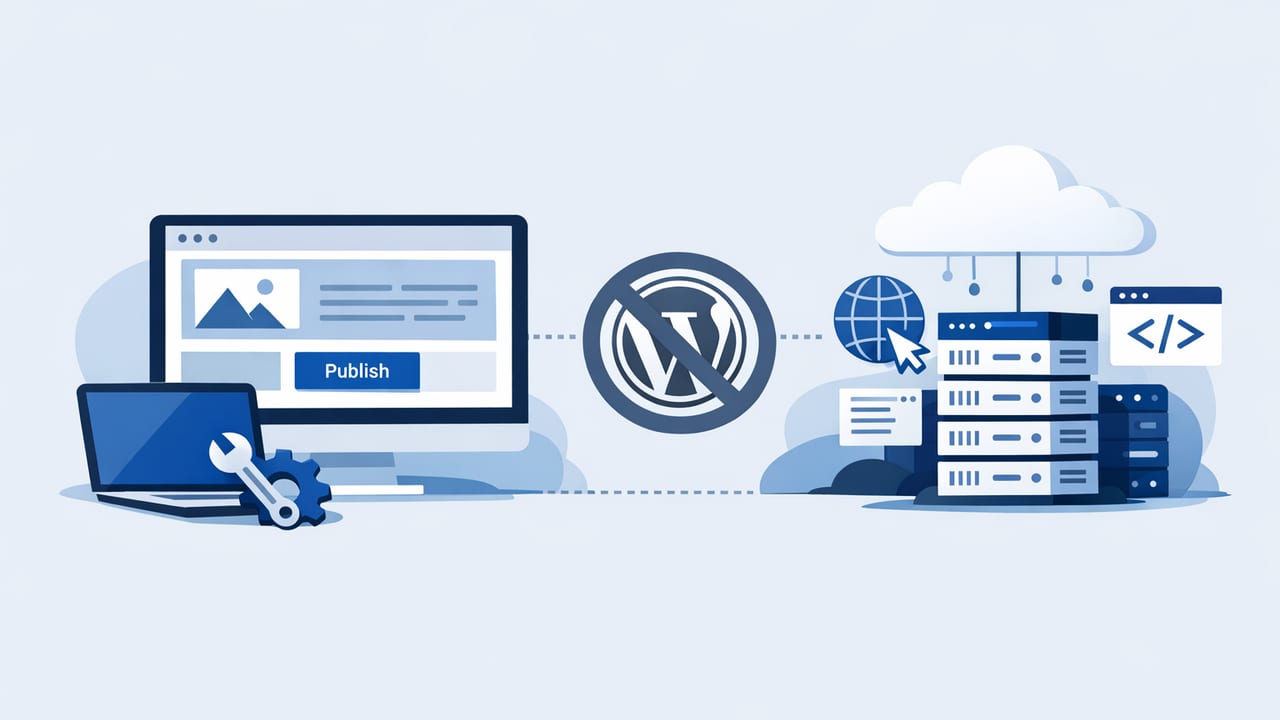
If you want to create a hosted site without WordPress, you’re not alone. Many teams want the benefits of publishing on their own domain—without plugin conflicts, server updates, security patching, or performance troubleshooting. The good news: modern hosted platforms can handle design, content, and publishing while still giving you strong SEO fundamentals.
This guide walks through practical, SEO-focused steps to launch a hosted site (blog, marketing site, documentation hub, or content library) without touching WordPress—plus the trade-offs you should evaluate before you commit.
What “hosted site without WordPress” actually means
In practice, it means your website runs on a platform where hosting, uptime, and maintenance are handled for you. You still control key assets (like your domain and content), but you don’t manage a traditional server stack.
Common reasons teams choose this route:
- Less maintenance: no plugin updates, no PHP issues, fewer security risks.
- Faster time to publish: built-in editors, templates, and deployment.
- Predictable costs: simpler pricing than “hosting + theme + plugins + dev time.”
- Performance: many hosted platforms ship optimized pages by default.
“The best CMS is the one that gets your content published consistently—without breaking your site every month.”
Step 1: Choose the right type of hosted platform
There isn’t one perfect alternative. Pick based on what you’re building (landing pages vs. long-form content vs. multi-language publishing) and how much control you need.
| Option | Best for | Pros | Watch-outs |
|---|---|---|---|
| Website builders (Wix, Squarespace) | Small sites, quick launches | Easy setup, themes, hosting included | Less control over URL structures, advanced SEO, and content workflows |
| Design-led builders (Webflow, Framer) | Marketing sites with strong design | Great performance, design control, CMS features | Can require more setup for larger editorial workflows |
| Hosted CMS (Ghost(Pro), Contentful-hosted setups) | Publishing-first sites | Clean content model, fast rendering, SEO basics | Customization may require dev resources |
| Static site + managed hosting (Next.js on Vercel/Netlify) | Teams needing maximum flexibility | Excellent speed, control, composable stack | More technical; you still “own” more of the engineering |
| All-in-one publishing automation platforms | High-volume content programs | Workflow automation, easier scaling | Evaluate editorial quality controls and SEO configurability |
A quick decision shortcut
- Need a site this week? Start with a builder.
- Need premium marketing design? Use Webflow/Framer.
- Need a content engine? Use a publishing-focused CMS or automation platform.
- Need custom features + top performance? Go headless/static with managed hosting.
Step 2: Set up your domain and DNS (don’t skip this)
SEO and brand equity start with a domain you control. Whether you buy through your platform or a registrar, the must-haves are:
- Custom domain (not a subdomain).
- HTTPS with automatic SSL.
- Single canonical version (choose non-www or www and redirect the other).
Also decide early whether your blog lives at /blog/ or on a subdomain like blog.example.com. In most cases, use a subfolder (/blog/) so your content supports the main domain’s authority more directly.
Step 3: Plan your site structure like an SEO strategist
Hosted platforms make publishing easy, but structure still determines whether your content ranks. Before you design pages, map the information architecture:
- Core pages: Home, About, Contact, Pricing/Services, Privacy/Terms.
- Collections: Blog, case studies, guides, templates, glossary.
- Topic clusters: 3–6 pillar pages that link to supporting articles.
A simple cluster example:
- Pillar: “International SEO Basics”
- Supporting: hreflang setup, translation QA, localized keyword research, URL patterns for languages
Step 4: Lock down URL rules and editorial standards
URL consistency is one of the biggest “quiet wins” when you create a hosted site without WordPress. Keep URLs:
- Short and readable (avoid dates unless your content is news-driven).
- Stable (don’t change slugs after indexing without redirects).
- Keyword-aligned (one primary intent per page).
Editorial standards that help SEO at scale:
- One primary keyword and 3–6 secondary phrases per article.
- Clear H2 structure matching search intents (how-to, checklist, comparisons).
- Internal links: 3–8 contextual links per post to related pages.
Step 5: Implement the non-negotiable technical SEO checklist
Different hosted platforms expose different controls, but these items matter everywhere:
Indexing and crawlability
- Robots.txt isn’t blocking important pages.
- XML sitemap exists and auto-updates.
- Submit sitemap in Google Search Console and Bing Webmaster Tools.
Metadata and canonicalization
- Unique title tags and meta descriptions.
- Canonical tags for duplicates (e.g., category pages, tracking URLs).
- Open Graph/Twitter cards for sharing previews.
Performance and Core Web Vitals
- Compress images and use modern formats (WebP/AVIF).
- Limit third-party scripts (chat widgets and ad tags add up fast).
- Use platform caching/CDN features where available.
Structured data (schema)
If your platform lets you inject code, add basic schema for articles. Here’s a minimal JSON-LD example you can adapt:
<script type="application/ld+json">
{
  "@context": "https://schema.org",
  "@type": "Article",
  "headline": "How to Create a Hosted Site Without WordPress",
  "author": {"@type": "Organization", "name": "Your Brand"},
  "datePublished": "2026-01-15",
  "dateModified": "2026-01-15",
  "mainEntityOfPage": "https://example.com/blog/hosted-site-without-wordpress"
}
</script>
Tip: If you publish frequently, consider automating schema injection to avoid inconsistencies.
Step 6: Build a publishing workflow that won’t break at scale
A hosted site is only “worth it” if it makes publishing easier over time. Even solo creators benefit from a lightweight workflow:
- Topic selection (keyword research + customer questions + competitor gaps).
- Brief: search intent, outline, internal links to include.
- Draft with consistent formatting (headings, bullets, tables).
- QA: fact-check, tone, on-page SEO, broken links.
- Publish + distribution: newsletter, social, internal linking updates.
- Refresh top posts quarterly based on Search Console queries.
For teams, add roles (writer/editor/approver) and create templates for briefs and article structure. Consistency is a ranking advantage because it improves topical coverage and internal linking.
Step 7: Multilingual setup (if you want global reach)
Many hosted platforms now support multilingual content, but SEO-friendly localization requires a few decisions:
- URL strategy: subfolders (recommended) like
/es/,/de/,/fr/. - hreflang: ensure each language page references its alternates.
- Localized keyword research: don’t translate keywords blindly—search behavior differs by market.
If your platform lacks native hreflang controls, verify whether it supports custom headers, code injection, or a plugin/module equivalent.
Step 8: Avoid common “hosted platform” SEO pitfalls
Hosted doesn’t automatically mean “SEO-safe.” Watch for:
- Thin tag/category pages that get indexed and dilute quality.
- Duplicate content from pagination or filtered views without canonicals.
- Locked URL patterns that force long, messy slugs.
- Limited redirects (you need easy 301 management for migrations and pruning).
- JavaScript-only rendering that hides content from crawlers on weaker implementations.
Step 9: Measure what matters after launch
Within the first month, track leading indicators before obsessing over rankings:
- Index coverage: are new pages being discovered and indexed quickly?
- Impressions by query (Search Console): do you match intended intent?
- Engagement: time on page, scroll depth, internal click-through.
- Content velocity: can you publish consistently without bottlenecks?
Then set a simple improvement loop: update internal links, refresh meta titles, improve intros for clarity, add FAQ sections, and expand pages that earn impressions but low clicks.
Putting it all together: a practical launch checklist
- Choose platform category (builder vs CMS vs automation vs static+headless)
- Connect custom domain + HTTPS + canonical www/non-www
- Define site structure and topic clusters
- Confirm control over: titles/meta, headers, redirects, sitemap, robots
- Add analytics + Search Console + sitemap submission
- Publish 5–10 foundational posts before heavy promotion
- Create a repeatable workflow for weekly/monthly publishing
Final thoughts
To create a hosted site without WordPress, focus less on “the perfect platform” and more on the fundamentals: clean URLs, fast pages, crawlable architecture, and a workflow that keeps content shipping. Once those basics are in place, your results will mostly depend on topical depth and consistency—not on whether your CMS is traditional or hosted.
If your goal is to publish frequently (especially across multiple languages) with minimal manual effort, there are hands-free platforms that combine keyword research, writing, and hosting—one example is the24blog.