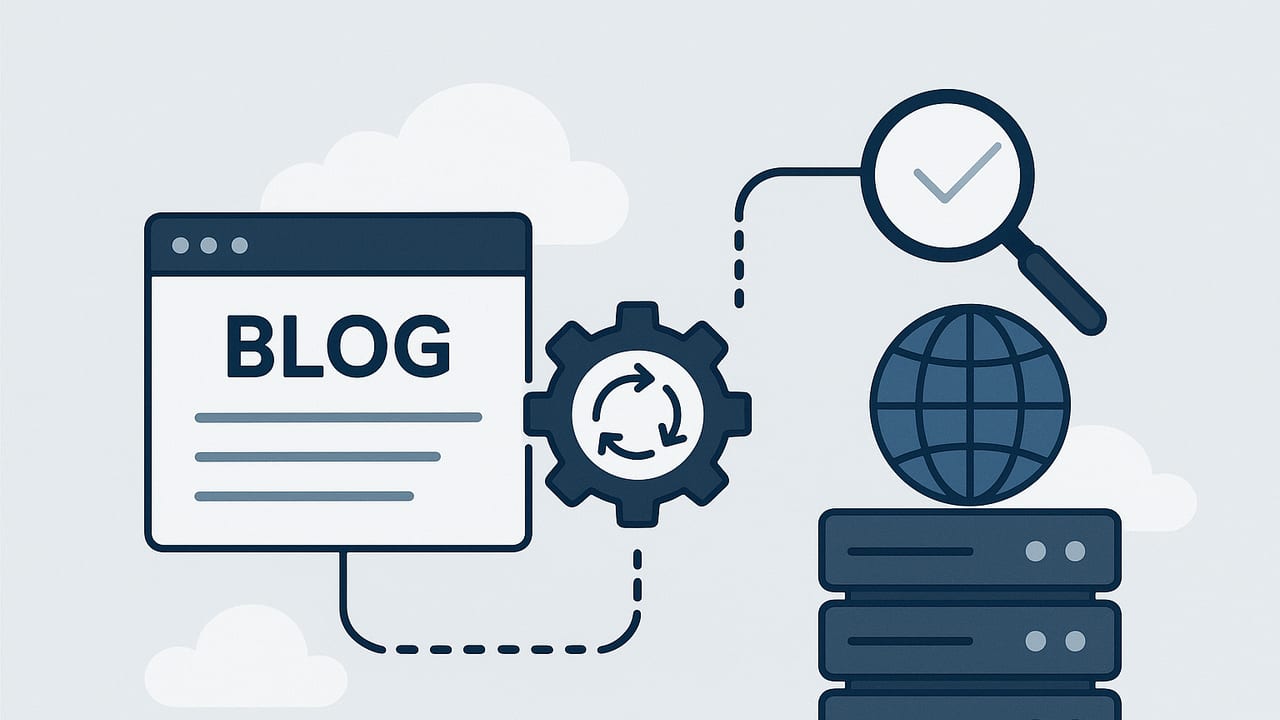
Done right, you can create and host a blog automatically without sacrificing quality or SEO. This guide walks you through the architecture, tools, and workflows that enable hands-free content generation, publishing, and hosting—while protecting rankings and brand reputation.
We’ll cover practical systems (CI/CD, headless CMS, static hosting), automation tactics (keyword pipelines, scheduled builds, sitemaps, hreflang), and the safeguards that keep automated blogs trustworthy and fast.
What “automatic” really means
In practice, to create and host a blog automatically means more than pressing a button once. It’s a set of integrated processes that run on a schedule or in response to events:
- Research automation: Pull keywords, cluster topics, map search intent.
- Content generation: Draft posts with AI and templates; enrich with data.
- Editorial guardrails: Fact checks, style checks, plagiarism, toxicity filters.
- Publishing pipeline: Auto-build and deploy to a fast host or CDN.
- Indexation signals: XML sitemaps, IndexNow, RSS, canonical tags.
- Localization: Translate, adapt, and serve hreflang at scale.
- Monitoring: Track crawl, errors, Core Web Vitals, and rankings.
Architecture options to automate creation and hosting
There are multiple viable stacks. Choose based on control, scale, and maintenance appetite.
| Approach | How it works | Pros | Cons | Best for |
|---|---|---|---|---|
| WordPress + Plugins | WP cron + content generator + auto-publish + managed host | Familiar, large ecosystem | Plugin bloat, security, performance tuning needed | Teams already on WP |
| Static Site Generator (SSG) + CI/CD | Markdown/MDX + Hugo/Jekyll/Next + GitHub Actions to Netlify/Vercel | Fast, secure, inexpensive, version control | Requires DevOps basics; content lives in repo | Tech-savvy creators, programmatic SEO |
| Headless CMS + Pipeline | CMS API (e.g., Contentful) + scripts + scheduled builds | Editor UX, structured content, flexible | Higher cost; more moving parts | Teams with editors and engineers |
| All-in-one Automated Platform | Hosted solution handles research, generation, and publishing | Fast setup, minimal maintenance | Less granular control; vendor lock-in | Hands-off operators, small teams |
A step-by-step blueprint
1) Build a keyword and topic pipeline
- Seed with your core topics and competitor gaps.
- Pull data from multiple sources (Search Console, keyword tools, internal site search).
- Cluster keywords by intent and SERP features; prioritize by business value and difficulty.
- Create a content calendar that staggers clusters to establish topical authority.
2) Generate content with guardrails
- Use AI for first drafts, but enforce templates: intro, H2s aligned to sub-intents, FAQs, and a clear CTA.
- Automate fact checks against trusted sources; require citations for claims and stats.
- Run plagiarism checks and tone/style linting; reject thin content below a quality threshold.
- Add structured data (BlogPosting), canonical tags, and internal link suggestions.
3) Programmatic SEO when relevant
For large catalogs (e.g., “best dentists in {city}”), generate pages from a dataset and a robust template. Enrich with localized data, pros/cons, and unique commentary to avoid duplication.
4) Automatic publishing and hosting
- Use a CI/CD scheduler (cron) to build and deploy daily or hourly.
- Host on a CDN-backed platform (Netlify, Vercel, Cloudflare Pages) for speed and uptime.
- Cache aggressively and serve images via an optimizer (AVIF/WebP, responsive sizes).
5) Indexing signals
- Generate and submit XML sitemaps (split by language or content type when large).
- Ping IndexNow (Bing, Yandex) and resubmit sitemaps to search engines upon deploy.
- Provide RSS/Atom for syndication and discovery.
6) QA automation
- Link checker: detect broken internal/external links.
- Lighthouse or Web Vitals CI to enforce performance budgets.
- HTML validation, schema validator, and image alt-text checks.
7) Internationalization at scale
- Translate with quality tiers: human-in-the-loop for money pages; AI + review for blog posts.
- Serve
hreflangtags for language/region pairs and maintain dedicated sitemaps per locale. - Localize examples, currency, and units—don’t just translate.
8) Analytics and reporting
- Track impressions, clicks, CTR, and average position per cluster.
- Monitor crawl stats, index coverage, and page experience metrics.
- Automate weekly reports and anomaly alerts (e.g., traffic dips, spikes in 404s).
Example: CI/CD to create and host a blog automatically
The following GitHub Actions workflow demonstrates a daily automated build and deploy for a static blog (Hugo example) to Netlify, plus sitemaps and IndexNow pings. Adapt to your stack.
name: Auto Blog Pipeline

on:
  schedule:
    - cron: '0 6 * * *'   # Daily at 06:00 UTC
  workflow_dispatch:

jobs:
  build-deploy:
    runs-on: ubuntu-latest
    steps:
      - name: Checkout
        uses: actions/checkout@v4

      - name: Setup Hugo
        uses: peaceiris/actions-hugo@v2
        with:
          hugo-version: '0.128.0'
          extended: true

      - name: Install deps
        run: |
          npm ci || true

      - name: Generate content
        env:
          OPENAI_API_KEY: ${{ secrets.OPENAI_API_KEY }}
        run: |
          python scripts/generate_posts.py --max 5 --out content/posts/
          python scripts/build_sitemap.py --base https://example.com --out public/sitemap.xml

      - name: Build site
        run: hugo --minify

      - name: Deploy to Netlify
        uses: nwtgck/actions-netlify@v2
        with:
          publish-dir: ./public
          production-deploy: true
          github-token: ${{ secrets.GITHUB_TOKEN }}
          netlify-auth-token: ${{ secrets.NETLIFY_AUTH_TOKEN }}
          netlify-site-id: ${{ secrets.NETLIFY_SITE_ID }}

      - name: Notify IndexNow & Bing
        run: |
          curl -X POST "https://api.indexnow.org/indexnow" \
            -H 'Content-Type: application/json' \
            -d '{"host":"example.com","key":"YOUR_INDEXNOW_KEY","keyLocation":"https://example.com/YOUR_INDEXNOW_KEY.txt","urlList":["https://example.com/"]}'
          curl https://www.bing.com/ping?sitemap=https://example.com/sitemap.xml
Also ensure a minimal robots.txt and canonical URLs:
# robots.txt
User-agent: *
Disallow:
Sitemap: https://example.com/sitemap.xml
SEO foundations for an automated blog
- Topical depth over volume: Ship fewer, better posts to establish authority. Use clusters and pillar pages.
- Authenticity and source attribution: Cite primary sources; include bylines and last-updated timestamps.
- Structured data: Add
BlogPosting, Breadcrumbs, and FAQ where appropriate. - Internal links: Automatically interlink within clusters and to revenue pages; maintain reasonable link counts.
- Canonical management: Prevent duplicates across locales and tag/category pages.
- Performance: Aim for sub-2.5s LCP; optimize images and fonts; prefetch critical routes.
- Content freshness: Schedule updates for decaying pages; track queries slipping in rank.
- Compliance and brand safety: Filter sensitive topics; align tone with brand guidelines.
Minimal BlogPosting schema example
{
  "@context": "https://schema.org",
  "@type": "BlogPosting",
  "headline": "How to Create and Host a Blog Automatically",
  "author": {"@type": "Person", "name": "Your Name"},
  "datePublished": "2024-01-15",
  "dateModified": "2024-01-15",
  "mainEntityOfPage": "https://example.com/blog/create-and-host-a-blog-automatically",
  "image": "https://example.com/images/cover.jpg",
  "publisher": {"@type": "Organization", "name": "Example Co"}
}
Common pitfalls and how to avoid them
- Thin, repetitive content: Set a quality bar (readability, word count ranges, unique angles) and enforce via CI checks.
- Index bloat: Noindex low-value taxonomy pages; consolidate overlapping posts; use canonical tags.
- Image weight: Automate compression and responsive sizes; lazy-load noncritical media.
- Orphan pages: Automatically add new posts to category pages, sitemaps, and internal link modules.
- Broken builds: Treat content as code—use pull requests, previews, and automated tests.
- Ignoring E-E-A-T: Add expert reviews, author bios, and transparent sourcing for YMYL topics.
Metrics that matter
| Area | Metric | Goal/Signal |
|---|---|---|
| Discovery | Indexed pages vs. submitted | >90% index rate for high-value content |
| Quality | CTR by query | Growing CTR with title/meta testing |
| Performance | Core Web Vitals (LCP, CLS, INP) | All passing in field data |
| Authority | Links to pillar pages | Steady growth in referring domains |
| Coverage | Crawl errors, 404/500 rate | Near-zero sustained error rates |
Costs and ROI considerations
- Infrastructure: Hosting/CDN (often low for static), CI minutes, storage.
- Software: Keyword tools, AI API usage, headless CMS seats.
- Ops: Occasional engineering for pipeline maintenance and QA tuning.
- Content QA: Human review for critical pieces or regulated topics.
Track revenue contribution per cluster, cost per article, and payback time. Automations should reduce marginal cost per page while increasing consistency and speed-to-publish.
Putting it all together
To successfully create and host a blog automatically, treat your blog as a product with a release pipeline. Blend programmatic research, AI-assisted drafting, and rigorous QA with a fast, reliable hosting setup. Use CI/CD to publish on schedule, signal search engines with sitemaps and IndexNow, and monitor technical and content quality continuously.
If you prefer a fully hosted, hands-off approach, platforms like the24blog can automate keyword research, multilingual generation, and daily publishing—while keeping everything optimized for SEO.