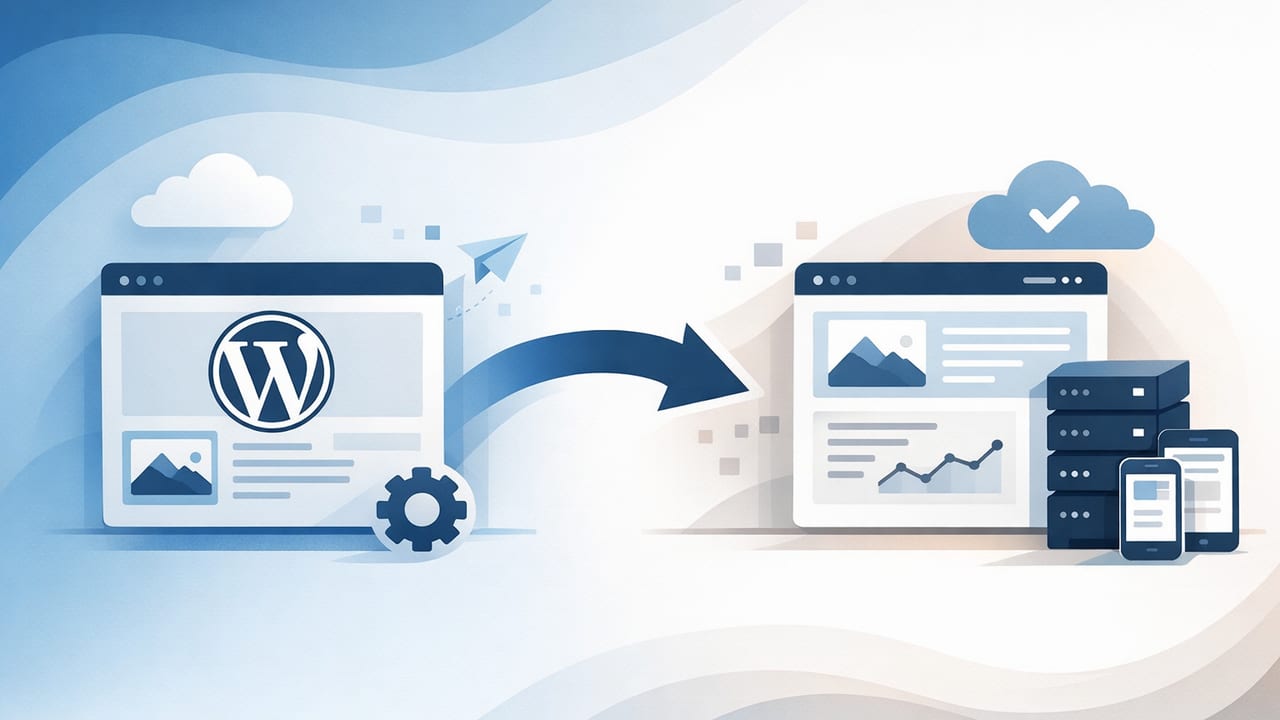
WordPress is still common, but many teams reach a point where maintaining plugins, themes, hosting, security patches, and performance tuning becomes a distraction from the real goal: publishing search-optimized content consistently. If you’ve ever postponed an article because the editor broke, a plugin conflicted, or the site slowed down after updates, it may be time to replace WordPress with a hosted publishing alternative.
This guide explains what “hosted publishing alternative” means, how it impacts SEO, what to evaluate (beyond pricing), and how to migrate without losing rankings—especially if you publish frequently, operate lean, or want to scale globally.
What a “hosted publishing alternative” actually is
A hosted publishing alternative is a platform where the vendor handles the infrastructure and core publishing system for you: hosting, security, performance optimization, backups, and often the editor, templates, and publishing workflow. You focus on content and strategy rather than maintaining a WordPress stack.
Hosted alternatives come in different flavors:
- Hosted CMS (traditional): a managed dashboard for pages/posts, templates, and roles.
- Headless CMS + hosted frontend: content in a CMS, site served via a static/SSR frontend (more flexible, more technical).
- Automated publishing platforms: add keyword research, content automation, scheduling, and multi-language workflows.
Why teams decide to replace WordPress
Most migrations don’t happen because WordPress “can’t do SEO.” They happen because WordPress becomes operationally expensive at scale.
1) Maintenance overhead grows faster than content output
As the site grows, so does the surface area: plugin updates, PHP versions, caching settings, database bloat, image optimization, and security hardening. Publishing should be a repeatable workflow, not an engineering project.
2) Plugin dependency creates fragile systems
SEO plugins, multilingual plugins, page builders, caching plugins, and security plugins can conflict. Each one can introduce vulnerabilities or performance regressions. Teams often end up “locked” into a complex setup that’s hard to simplify.
3) Performance and Core Web Vitals become harder to control
Search visibility is increasingly sensitive to speed, stability, and UX. Achieving strong Core Web Vitals on a plugin-heavy WordPress theme frequently requires ongoing tuning.
4) Scaling multilingual content is painful
WordPress multilingual setups can work, but managing translation workflows, URL structures, hreflang tags, and localized metadata often becomes a specialized project. If global growth is a priority, choosing a system designed for multilingual publishing can reduce risk.
SEO requirements your hosted alternative must support
When you replace WordPress with a hosted publishing alternative, the platform must preserve (or improve) the technical fundamentals that search engines rely on.
- Full control of URLs (slugs, subfolders/subdomains, trailing slash policy, and canonicalization).
- 301 redirects at scale (bulk upload, regex rules, and ongoing redirect management).
- Editable title tags and meta descriptions per page.
- Indexation controls: noindex, robots.txt, and sitemap.xml management.
- Structured data support (Article, BreadcrumbList, Organization, FAQ where appropriate).
- Fast rendering: CDN delivery, optimized images, modern caching, stable templates.
- International SEO support if multilingual: hreflang, language-specific sitemaps, localized metadata, and clean URL patterns.
- Analytics + Search Console integration (simple to add scripts and verify ownership).
WordPress vs hosted publishing alternatives: a practical comparison
| Dimension | Typical WordPress (self-managed) | Hosted publishing alternative |
|---|---|---|
| Setup time | Hours to days (hosting, theme, plugins) | Minutes to hours (platform handles infra) |
| Ongoing maintenance | High (updates, conflicts, backups) | Low (vendor-managed) |
| Performance tuning | Often manual (caching, optimization plugins) | Often built-in (CDN, optimized templates) |
| Security risk | Variable; plugin ecosystem increases risk | Typically centralized security management |
| Publishing workflow | Flexible but can be fragmented | More standardized; often streamlined |
| Multilingual publishing | Usually plugin-based, can get complex | Often native or purpose-built features |
A decision checklist: how to choose the right hosted alternative
Use this checklist to avoid “nice demos” that create long-term SEO constraints.
Content model and editing
- Can you create reusable templates (e.g., guides, comparisons, landing pages)?
- Does the editor produce clean HTML (not bloated div soup) and handle headings properly?
- Can you manage categories/tags in a way that doesn’t generate thin pages?
Technical SEO controls
- Can you edit canonical tags, Open Graph data, and meta robots per page?
- Do you have control over sitemap rules (include/exclude types, lastmod accuracy)?
- Can you manage redirects without a developer?
Performance, reliability, and compliance
- Is the platform CDN-backed by default?
- Does it support image compression, modern formats, and lazy-loading?
- Are backups/versioning available and easy to restore?
- Do you have clear data ownership and export options?
Multilingual readiness (if applicable)
- Does it support hreflang properly (including region variants like en-CA vs en-US)?
- Can you localize slugs, titles, and metadata—not just body text?
- Is language publishing workflow manageable (draft → review → publish) at scale?
Migration plan: replace WordPress without losing rankings
The most common SEO migration failures come from broken URLs, missing redirects, accidental noindex, and template changes that alter internal linking. Treat the move like a controlled release.
Step 1: inventory everything that matters
- Crawl your existing site (export all indexable URLs, titles, canonicals, and status codes).
- Export top pages from analytics and Search Console (queries, pages, and backlinks if available).
- Document URL patterns: categories, tags, author archives, paginated pages, media URLs.
Step 2: decide what to keep, merge, or remove
A migration is a rare chance to clean up SEO debt:
- Merge overlapping articles to avoid cannibalization.
- Noindex or remove thin tag pages that attract low-quality traffic.
- Fix inconsistent URL casing and trailing slash rules (then redirect the old versions).
Step 3: build a redirect map (the non-negotiable)
Create a spreadsheet mapping every old URL to its new destination. Prioritize:
- All pages with traffic
- All pages with backlinks
- All pages indexed in Search Console
When possible, keep the same URL paths. If you must change structure, ensure one clean 301 hop (avoid redirect chains).
Step 4: replicate on-page SEO and structured data
During the move, preserve:
- Title tags and meta descriptions (or improve them deliberately, not accidentally).
- Heading structure (one clear
<h1>, logical<h2>/<h3>). - Internal links—especially from high-authority pages to key commercial pages.
Step 5: validate robots, sitemaps, and canonicals before launch
One of the easiest mistakes is migrating a staging site with noindex still enabled. Before going live, confirm:
- Important pages return
200and are indexable. - Canonical tags point to the correct live URLs.
- Sitemaps list only indexable pages.
Step 6: post-launch monitoring (first 2–4 weeks)
- Daily: check crawl errors, redirect coverage, and indexing in Search Console.
- Weekly: compare organic landing pages and rankings to pre-migration baselines.
- Ongoing: fix internal links that still point to old URLs to reduce reliance on redirects.
Example: a simple redirect rule set
Some hosted platforms accept bulk redirect uploads; others support pattern rules. Here’s a conceptual example of mapping a WordPress date-based structure to a clean slug structure:
# Old: /2024/10/my-article/
# New: /blog/my-article/

Redirect 301 ^/\d{4}/\d{2}/(.*)/$ /blog/$1/
Note: Exact syntax depends on the platform (or CDN) handling redirects, but the principle is the same: one hop, predictable patterns, and exceptions handled explicitly.
Content operations: what improves after you switch
Replacing WordPress is usually less about features and more about operational clarity. Hosted publishing alternatives tend to improve:
- Consistency: templates and standardized formatting reduce QA time.
- Publishing velocity: fewer moving parts means fewer blocked releases.
- Global reach: multilingual workflows become repeatable instead of ad hoc.
- SEO hygiene: fewer plugin surprises and more predictable technical performance.
“SEO gains often come from publishing consistency and technical stability—not from chasing new tools.”
Common pitfalls to avoid
- Changing URLs unnecessarily: keep what works unless there’s a clear SEO reason.
- Forgetting non-HTML assets: PDFs, images, and legacy campaign URLs may need redirects too.
- Dropping internal links: new templates sometimes remove sidebars or related-post blocks that passed equity.
- Publishing thin multilingual pages: international SEO requires localization quality, not just translation volume.
- Measuring too early: expect some volatility; focus on crawl/index health and trendlines.
When a hosted alternative is the best move
You’ll typically benefit most if you:
- Want a hands-free publishing workflow with fewer technical chores
- Need daily (or frequent) publishing without increasing ops load
- Plan to scale multilingual SEO across multiple markets
- Care about performance and security but don’t want to maintain a WordPress stack
Final thoughts
To replace WordPress with a hosted publishing alternative successfully, treat the project as an SEO migration plus an operating model change. The best outcome is not just “the new site is live,” but that your team can publish more consistently, with stable performance and clean technical SEO foundations.
If you’re exploring automated, hosted publishing workflows designed for SEO and multilingual output, platforms like the24blog are worth evaluating alongside more traditional hosted CMS options.