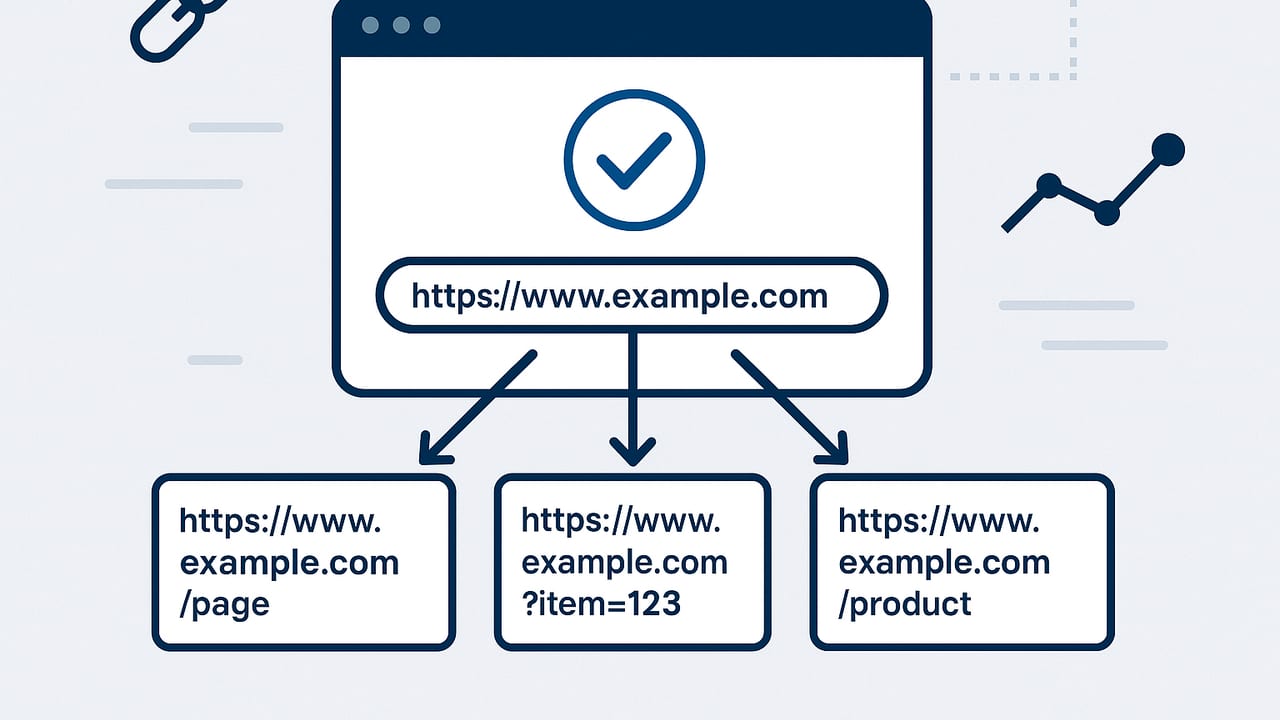
Canonical URLs are one of the simplest tags to add and one of the easiest to misuse. Done right, they consolidate link equity, stabilize rankings, and prevent duplicate content from cannibalizing crawl budget. Done wrong, they quietly deindex your best pages or fragment signals across near-identical URLs. This guide distills how canonical URLs work in SEO, when to use them vs. other directives, and how to implement them safely at scale.
What is a canonical URL and why it matters
A canonical URL is the version of a page that you prefer search engines to index when multiple URLs contain the same or very similar content. You declare that preference using the rel="canonical" link, either in HTML or via HTTP headers. Search engines treat this as a strong hint (not an absolute directive) and will choose a “Google-selected canonical” based on your tag and other signals.
The benefits of canonical URLs in SEO include:
- Consolidated link equity across duplicates and URL variants (parameters, case, trailing slashes).
- Cleaner indexation: fewer duplicates competing for the same queries.
- More stable performance metrics (one primary URL accumulates links, clicks, and shares).
- More efficient crawling and rendering for large catalogs or parameterized pages.
Canonical vs redirect vs noindex vs hreflang
Canonicals are often confused with other controls. Use the right tool for the job:
| Control | Primary use | Indexing outcome | Consolidates signals | Cross-domain | Notes |
|---|---|---|---|---|---|
| rel="canonical" | Duplicate or near-duplicate pages should point to a primary | Non-canonicals may be excluded | Yes | Yes | Hint, not directive; source page must be indexable |
| 301 redirect | Permanent move; old URL shouldn’t be accessible | Old URL removed | Yes (strongest) | Yes | Best for migrations, protocol/domain/slash normalization |
| noindex | Page should not appear in search | Excluded | No | n/a | Don’t pair noindex with canonical to a different URL |
| hreflang | Language/region alternates | All alternates can index | No | Yes | Each page self-canonicalizes; hreflang interlinks alternates |
Implementation patterns (with examples)
1) Self-referencing canonical
Every indexable page should typically declare itself canonical to prevent parameter or case variants from winning by accident.
<link rel="canonical" href="https://www.example.com/product/blue-running-shoes/" />Best practices:
- Use an absolute, lowercase, preferred-protocol URL (e.g.,
https, with or withoutwwwconsistently). - Ensure the canonical URL returns HTTP 200, is crawlable, and is not
noindex. - Place the tag in the <head> and avoid duplicate canonical tags.
2) Cross-domain canonical
When publishing syndications or mirrors, point the copied article to the original to consolidate signals.
<link rel="canonical" href="https://original.com/article/canonical-guide/" />Reminder: The publisher of the duplicate page sets the canonical pointing to the source, and the source page should self-canonicalize to itself.
3) Parameters and tracking (UTM, sorting, session IDs)
Parameterized URLs often duplicate content. Use canonicals to point variants to the clean base URL and consider 301s for purely cosmetic parameters.
Current: https://www.example.com/shoes/blue?utm_source=newsletter&sort=price_asc
Canonical: https://www.example.com/shoes/blue/
Support your choice with consistent internal links to the canonical URL and avoid indexing parameter rules that conflict with your canonicalization.
4) Pagination and series
For paginated series (e.g., category pages), each page should usually self-canonicalize:
/category/shoes/→ canonical to itself/category/shoes/?page=2→ canonical to itself
A void canonicalizing page 2+ to page 1; that risks losing unique items on deeper pages. If you have a true “view-all” page that contains all items and loads fast, you can canonicalize each page in the series to the view-all URL.
5) Faceted navigation and filtered URLs
Filters like color, size, and price frequently produce thin or duplicate content. Options:
- Let core, high-demand facets index (e.g., “running shoes for men”) and self-canonicalize those pages.
- Canonicalize low-value or overlapping facet combos to the base category.
- Block crawling of explosive combinations via robots.txt with care, only if canonicals and internal links already communicate your preferred URLs.
6) Product variants
For variant URLs (color or size) that differ only trivially, canonicalize to the parent product. If variants have substantial unique value (distinct copy, images, reviews, availability), consider making each variant canonical to itself and link them together with clear internal navigation.
7) Non-HTML files (PDFs, feeds) via HTTP header
Use the HTTP Link header to declare the canonical of a PDF or other non-HTML asset:
HTTP/1.1 200 OK
Content-Type: application/pdf
Link: <https://www.example.com/brochure/>; rel="canonical"
If you host both an HTML page and a PDF with the same content, make the PDF's canonical point to the HTML page to consolidate signals on the richer experience.
8) AMP and other alternates
AMP pages must canonicalize to their non-AMP originals. The original can include rel="amphtml" back to the AMP version.
<!-- On AMP page -->
<link rel="canonical" href="https://www.example.com/article/canonicals/" />
Align all canonical signals (so Google trusts your hint)
Search engines evaluate multiple signals before accepting your canonical. Align these for consistency:
- Internal links: Link to the canonical URL everywhere (navigation, breadcrumbs, sitemaps, body links).
- Redirects: Non-canonical variants 301 to the canonical when user-safe (protocol, domain, slash, uppercase-to-lowercase).
- Sitemaps: Only include canonical URLs; omit duplicates and parameters.
- Content similarity: Pages should be near-identical to support a canonical relationship. Major differences can cause Google to ignore the tag.
- Structured data: In JSON-LD, use the canonical in the
url(and@id) fields. - Robots: Don’t block the duplicate page in robots.txt; search engines must crawl it to see the canonical. Don’t put
noindexon a page that also canonicalizes elsewhere.
Example JSON-LD alignment
<script type="application/ld+json">
{
  "@context": "https://schema.org",
  "@type": "Article",
  "@id": "https://www.example.com/article/canonicals/",
  "url": "https://www.example.com/article/canonicals/",
  "headline": "Canonical URLs: Strategy & Pitfalls",
  "datePublished": "2023-11-12"
}
</script>
Auditing and troubleshooting canonical URLs
How to find issues
- Spot-check in Google: Use URL Inspection in Search Console to see the “User-declared canonical” vs. “Google-selected canonical.” If they differ, investigate conflicts.
- Crawl your site: Use a crawler (e.g., Screaming Frog, Sitebulb) to export canonical tags, status codes, indexability, and locate duplicates, missing tags, or multiple canonicals.
- Search Console coverage and reports: Review “Duplicate, Google chose different canonical than user” and “Alternate page with proper canonical tag.”
- Backlink consolidation: In your SEO tools, check whether external links point to non-canonical variants. Add 301s and update prominent links where possible.
- Server logs: Validate bots spend more time on canonical pages and that non-canonical variants are redirected or crawled sparingly.
Common mistakes to fix
- Canonical to non-200: The canonical URL redirects, 404s, or is blocked. Fix to a 200, indexable page.
- Multiple canonical tags: Only one canonical per page. Duplicates cause ambiguity.
- Relative canonicals: Use absolute URLs; relative paths can be misinterpreted under complex rendering or cross-domain contexts.
- Conflicting hints: Canonical says A, internal links prefer B, sitemap lists C. Standardize on a single target.
- Self-canonical missing: Indexable pages without a canonical are more vulnerable to parameter hijacking or scraped duplicates.
- Canonical + noindex: Don’t noindex a page and canonicalize it elsewhere; remove noindex or remove the canonical.
- Canonicalizing unique content: Don’t canonicalize a page with unique, valuable content to a different URL; you’ll hide that content.
Canonicalization during migrations
When standardizing protocol, host, or trailing slashes, use 301 redirects and ensure canonicals match the new destination:
- HTTP → HTTPS: 301 redirect and update self-canonicals to HTTPS.
- non-www ↔ www: Pick one and enforce it with 301s and canonicals.
- Trailing slash policy: Choose a convention (e.g., slash for directories, none for files) and align everything.
During large migrations, keep temporary tracking parameters out of the index by maintaining stable self-canonicals and using server-side redirects for deprecated paths.
FAQs about canonical URLs in SEO
Is a canonical a directive?
No. Canonicals are a hint. Search engines often respect them when signals align, but they can choose a different canonical if they see stronger evidence elsewhere.
Should I canonicalize paginated pages to page 1?
Usually not. Keep each page self-canonical unless you provide a performant “view-all” page that truly contains all items and is your preferred landing page.
Can I canonicalize across domains?
Yes. Useful for syndication and mirrored content. Ensure the destination is accessible and self-canonicalizes to itself.
Where should the canonical tag live?
In the HTML <head> for web pages. For non-HTML, use the HTTP Link header.
What if JavaScript injects my canonical?
Prefer server-side rendering to output the canonical in the initial HTML. If JS must inject it, verify with Search Console and a headless crawler that Google sees it correctly.
Do canonicals help with crawl budget?
Indirectly. Fewer duplicates and cleaner internal linking can focus crawl activity on your most important URLs.
A practical checklist for safe implementation
- Every indexable page has a self-referencing canonical.
- Canonical URLs are absolute, lowercase, and match your protocol/domain/slash policy.
- Only one canonical per page; it points to a 200, indexable URL.
- Parameter, sort, and tracking URLs point their canonical to a clean version.
- Pagination pages self-canonicalize (unless using a performant view-all canonical).
- Facets and variants are either self-canonical with unique value, or canonicalized to a parent.
- Sitemaps list only canonical URLs; internal links prefer canonical destinations.
- Structured data url/@id matches the canonical.
- No conflicts with noindex or robots.txt that prevent crawlers from seeing the tag.
- For non-HTML assets, use the HTTP Link header for canonicals.
Sample templates you can copy
HTML head
<link rel="canonical" href="https://www.example.com/canonical-target/" />HTTP header (Apache)
<IfModule mod_headers.c>
Header add Link "<https://www.example.com/canonical-target/>; rel=\"canonical\"" env=CANONICAL
</IfModule>
Nginx
location = /brochure.pdf {
  add_header Link "<https://www.example.com/brochure/>; rel=\"canonical\"" always;
}
Putting it all together
Canonical URLs in SEO work best as part of a unified strategy: choose your preferred URL formats, enforce them with redirects, express them with canonicals, reinforce them with internal links and sitemaps, and validate them with crawls and Search Console. Treat canonicals as a precision tool to consolidate true duplicates and parameter noise, not a shortcut to mask information architecture problems. When the hints match the signals—and the user experience—search engines almost always cooperate.
If you manage content at scale and want the technical hygiene handled automatically, platforms like the24blog can generate consistent canonicals, internal links, and multilingual variations while keeping everything SEO-friendly across languages and parameters.