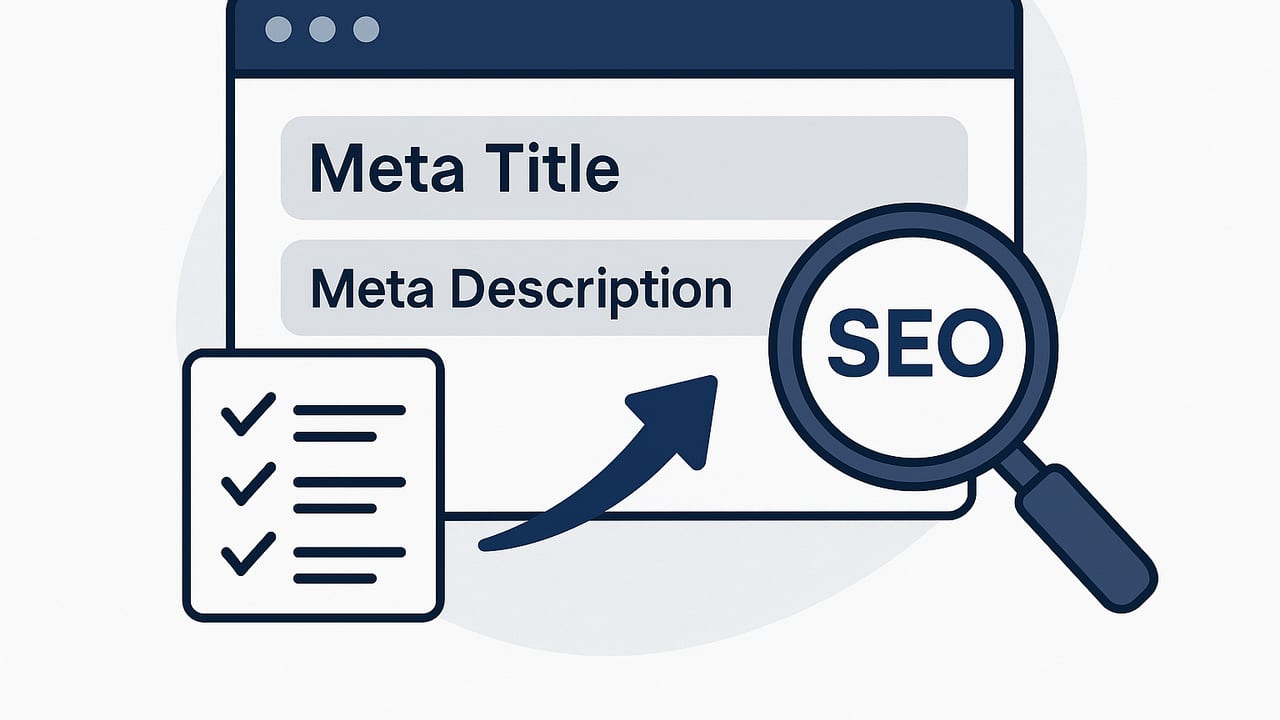
Meta titles and descriptions are tiny pieces of HTML with outsized impact. They shape how your pages appear in search, influence click-through rate (CTR), and help search engines understand your content. While they won’t rescue weak content or broken technical SEO, they often deliver quick, measurable gains when improved strategically.
This guide explains what they are, how Google selects and rewrites them, pixel-safe limits, proven writing formulas, common pitfalls, internationalization tips, and a simple measurement plan. You’ll also find templates and sample code to implement at scale.
Meta title vs. meta description: what’s the difference?
| Element | Purpose | Recommended length | Primary role | Ranking impact |
|---|---|---|---|---|
| Title tag | Headline shown in SERPs and browser tabs | Typically 50–60 characters or ~580–600px | Relevance, scannability, entice click | Used by search engines for relevance; moderate influence |
| Meta description | Snippet supporting your title | Typically 150–160 characters or ~920–960px | Persuasion, expand value proposition | Not a direct ranking factor; impacts CTR |
What does “meta title description on SEO” actually mean?
People often search for “meta title description on SEO” when they want practical instructions for writing the two snippets that appear on search results. In short: the title tag summarizes what the page is about (and should include the primary keyword), while the meta description clarifies the value users get by clicking. Together they drive impressions into visits.
Search engines may replace your provided title or description with content from the page if it better matches the query.
That means your best defense is clear, relevant, and well-structured content—plus titles and descriptions that closely reflect the on-page copy.
Pixel-safe limits (and why truncation happens)
- Title tag: aim for ~580–600px width (roughly 50–60 characters in Latin scripts). Longer can be okay if key info appears first.
- Meta description: aim for ~920–960px width (roughly 150–160 characters). Sometimes Google shows longer snippets; don’t rely on it.
- Mobile vs. desktop can differ slightly; test representative queries on both.
- Use words, not just character counts; wide glyphs (W, M) consume more pixels than narrow ones (i, l).
Write meta titles that win: repeatable formulas
Lead with the primary topic. Add a compelling benefit or differentiator. Consider the brand at the end when reputation helps the click.
Title formulas
- [Primary Keyword] | [Specific Benefit]
- [Primary Keyword]: [Use Case or Audience] [Number/Promise]
- [Problem] → [Solution] | [Primary Keyword]
- [Primary Keyword] for [Segment]: [Outcome] | [Brand]
Examples
- Keyword Research: Fast Workflows, Reliable Wins
- Local SEO Checklist: 25 Steps for Map Pack Visibility
- Headless CMS Migration → SEO-Safe Guide | YourBrand
- Standing Desk Review: Top 7 Picks for Back Pain Relief
Tips:
- Put the main keyword near the beginning.
- Avoid repeating the same phrase multiple times (keyword stuffing prompts rewrites).
- Don’t overuse brackets or ALL CAPS—scanability beats shouting.
- If your brand is well known, add it at the end: “... | Brand.” If not, prioritize the benefit.
Craft meta descriptions that drive clicks
Think of meta descriptions as your elevator pitch. Clarify value, set expectations, and earn trust—without clickbait.
Description formulas
- [Topic] in a sentence + [What you’ll learn/do] + [Outcome or proof].
- [Pain] → [Solution] with [Steps/Features]. Get [Result] in [Timeframe].
- [Who it’s for] + [Hook] + [Differentiator] + [Call to action verb].
Examples
- See how to do technical, on-page, and off-page SEO with checklists and real examples. Fix issues fast and grow qualified traffic.
- Struggling with duplicate content? Use these patterns to set canonicals, avoid traps, and stabilize rankings.
- Compare top AI writing tools, pricing, and output quality. Find the best fit for your workflow and budget.
Tips:
- Match searcher intent. If the query is “cost,” mention pricing or factors that change the price.
- Use active verbs: Learn, Compare, Download, Calculate, Explore.
- Add specific numbers, timeframes, or outcomes when truthful and defensible.
- Write unique descriptions per page. Duplicate snippets waste a CTR opportunity.
Intent-driven patterns (quick reference)
| Searcher intent | Title pattern | Description approach | Example |
|---|---|---|---|
| Informational | [Topic]: [Benefit/Outcome] | What they’ll learn + payoff | Schema Markup: Faster Rich Results |
| Comparative | [X] vs [Y]: [Key Criterion] | Differences + who should pick which | Shopify vs WooCommerce: Costs, SEO, Scale |
| Transactional | Buy [Product]: [Feature/Use Case] | Specs + shipping/returns or guarantees | Buy Noise-Canceling Headphones: 35h Battery |
| Local | [Service] in [City]: [Proof] | Hours, neighborhood coverage, reviews | Emergency Plumber in Austin: 24/7, 5-Star Rated |
How Google chooses titles and snippets
Google sometimes rewrites titles and descriptions—especially when:
- The title doesn’t match the query or on-page headings.
- The same title is reused across many pages (templated duplicates).
- Keyword stuffing or branding overwhelms clarity.
- Descriptions are missing or too generic; Google grabs a relevant sentence instead.
Practical takeaway: align your title with the H1, early on-page copy, and internal anchor text. Ensure the meta description echoes key phrases users expect for the query.
Special cases and edge considerations
Homepage
- Title: [Primary Value Proposition] | [Brand].
- Description: What your product/service does, for whom, and the core benefit—no jargon salad.
Pagination
- Title: [Topic] (Page 2) | [Brand].
- Description: Clarify it’s page 2; avoid duplicate with page 1. Where appropriate, link pages canonically to themselves.
Faceted navigation
- Block low-value filters (e.g., color=red) from being indexed, or consolidate with canonicals.
- For indexable combinations (e.g., “men’s running shoes wide”), generate specific titles and descriptions that reflect the facet intent.
Product pages
- Include brand + model + key attribute (size, color, capacity).
- Add shipping, warranty, or returns in the description to reduce pogo-sticking.
International SEO: localize, don’t just translate
- Localize keywords (use native keyword research). “Running shoes” ≠ “sneakers” everywhere.
- Adapt units, currencies, and regulatory terms in titles/descriptions.
- Mind pixel widths in non-Latin scripts; preview in the target language.
- Implement hreflang so the right language/region result shows.
Implementation checklist + sample code
- Unique, descriptive title and meta description per indexable page.
- Place the primary keyword early in the title; echo related terms in on-page headings and first paragraph.
- Keep within pixel-safe ranges; front-load key information.
- Avoid duplication across templates; maintain a pattern library.
- Programmatic guardrails to prevent empty or overly long tags.
<!-- Minimal, robust head tags -->
<title>Local SEO Checklist: 25 Steps for Map Pack Visibility | Brand</title>
<meta name="description" content="Follow this local SEO checklist to optimize GBP, citations, and reviews. Improve map pack rankings and foot traffic with proven steps." />

<!-- Social shares (optional but recommended) -->
<meta property="og:title" content="Local SEO Checklist: 25 Steps for Map Pack Visibility" />
<meta property="og:description" content="Optimize GBP, citations, and reviews. Improve map pack rankings with proven steps." />
<meta name="twitter:card" content="summary_large_image" />
Simple pseudo-template logic for safety:
// Pseudocode
title = truncate(pixelSafe(primaryKeyword + ": " + benefit + " | " + brand), 600);
desc  = truncate(pixelSafe(summary + " " + outcome + " " + cta), 960);

if (!title) { title = fallbackH1 + " | " + brand; }
if (!desc)  { desc  = firstSentenceFromBody(); }
Measuring impact (and proving ROI)
- Inventory and baseline: Export URLs, current titles/descriptions, and 28–90 days of Search Console data (impressions, clicks, CTR, position).
- Prioritize: Choose pages with high impressions but below-benchmark CTR for their average position.
- Create hypotheses: e.g., “Adding benefit-oriented phrasing to titles for [queries] will raise CTR by 1–2 percentage points.”
- Roll out in cohorts: Update 10–20% of pages; leave a control group untouched.
- Annotate deployment dates; wait 2–4 weeks (seasonality and indexing considered).
- Evaluate by query cluster and position bucket (1–3, 4–6, 7–10). Focus on CTR change at similar average position.
- Promote winners, revert losers, iterate.
Remember: Search Console aggregates queries; check whether improved CTR coincides with stable positions. If positions improved, your CTR benchmark shifts too—great news, but segment carefully.
Common mistakes and quick fixes
- Stuffing keywords: Rewrite for clarity; one primary keyword is enough.
- Title too vague: Add a concrete benefit, number, or use case.
- Misaligned with content: Adjust H1/intro so snippets and page copy match.
- Duplicate tags across templates: Auto-generate from unique attributes (category, brand, feature).
- Overbranding: If the brand isn’t a draw, move it to the end—or omit it.
- No update cadence: Review top pages quarterly; refresh for new intents and features.
Quick templates you can copy
Blogs and guides
- Title: [Primary Keyword]: [Outcome/Number] | [Brand]
- Description: Learn [Topic] with [Steps/Tools]. Achieve [Outcome] in [Timeframe].
Category pages
- Title: [Category] for [Audience/Use Case] | Free Shipping
- Description: Shop [Category] with [Key Filters/Brands]. Compare specs. Fast delivery and easy returns.
Product pages
- Title: [Brand] [Model] [Key Attribute] | [Use Case]
- Description: [Feature 1], [Feature 2], [Benefit]. Warranty and returns included.
Local services
- Title: [Service] in [City]: [Proof/USP]
- Description: Licensed, insured, [Hours/Response Time]. Get a free estimate today.
FAQ: meta title description on SEO
Does the meta description influence rankings?
Meta descriptions aren’t a direct ranking signal, but they strongly influence CTR, which can affect your traffic and, indirectly, long-term performance.
Is the title tag a ranking factor?
Search engines use titles as a relevance signal. It’s not the only factor—content quality, links, and technical health matter more—but a precise, helpful title supports rankings and clicks.
How many characters should I use?
Think pixels, not characters: roughly 580–600px for titles and 920–960px for descriptions. Front-load essentials to survive truncation.
How often should I update titles and descriptions?
Review high-impact pages quarterly or after major content, product, or intent changes. Avoid needless churn—stability helps measurement.
Why did Google rewrite my title?
Common reasons: keyword stuffing, duplicates, or a mismatch with on-page headings. Align your H1 and early content with the title’s promise.
A short closing note
Well-written meta titles and descriptions turn impressions into engaged visits. Start with intent, keep within pixel-safe bounds, and iterate with data from Search Console. If you need programmatic scale or multilingual coverage, platforms like the24blog can automate research, generate localized snippets, and publish consistently—freeing you to focus on strategy and testing.